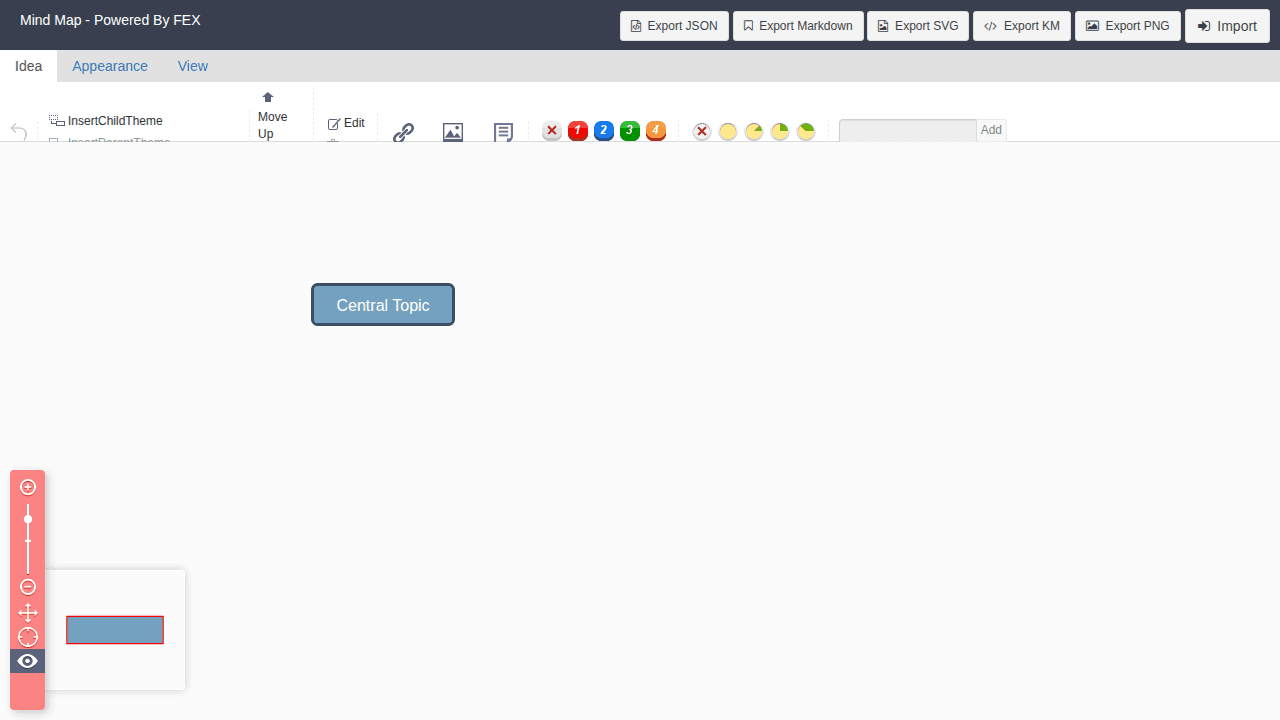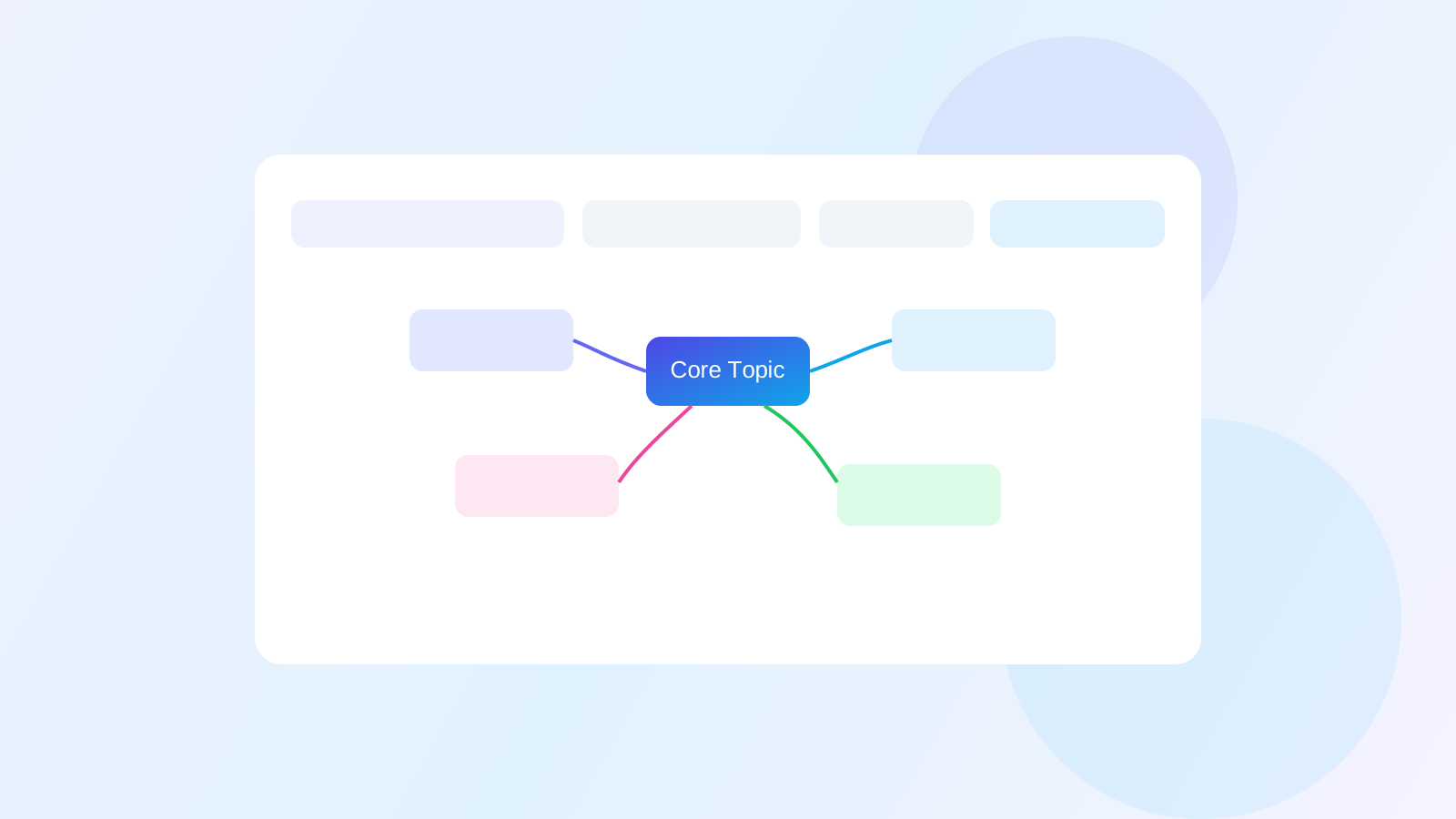
Generate mind maps directly from text
Paste notes or long text and get an editable first draft map.

Built for planning, requirements, and research: fast mapping, clear structure, and outputs you can share immediately.
Why MindPilot is useful right now
Paste notes or long text and get an editable first draft map.
Expand branches, summarize the map, and draft PRD content without switching tools.
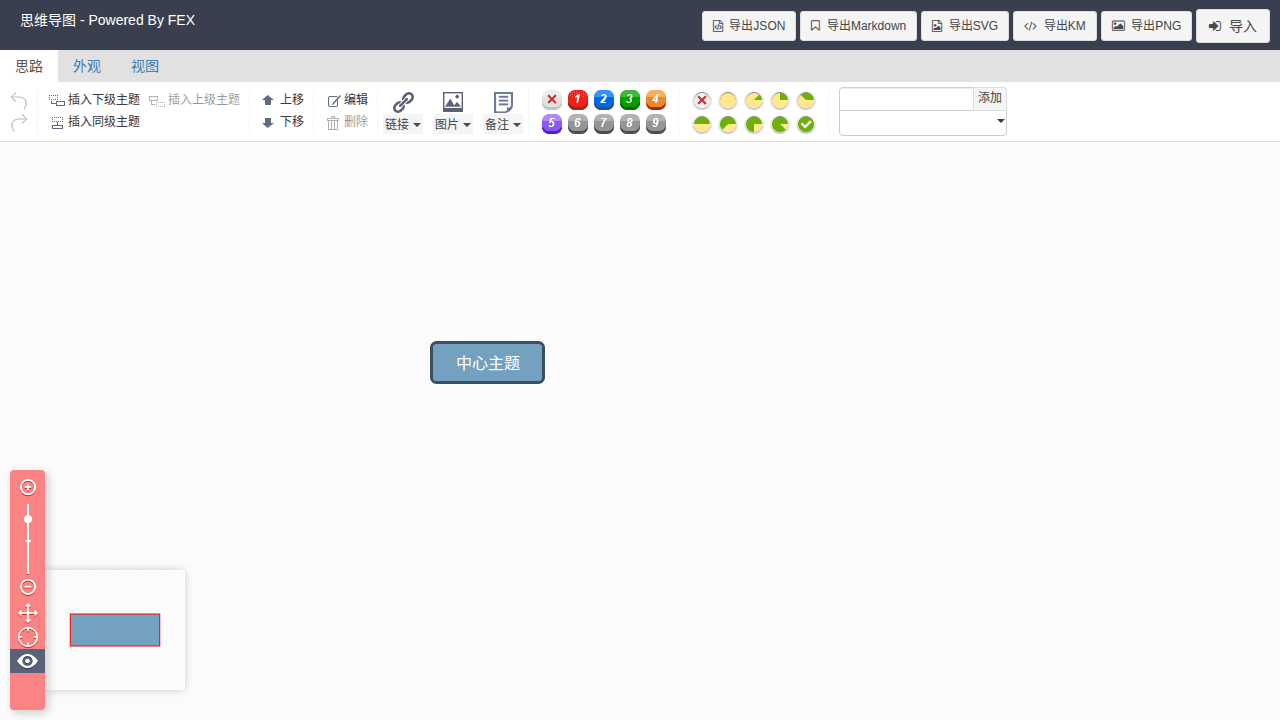
Templates, snapshots, sharing, import/export, and keyboard-first editing are ready now.
Manual editing is lightweight, and AI actions use points with clear usage tracking.
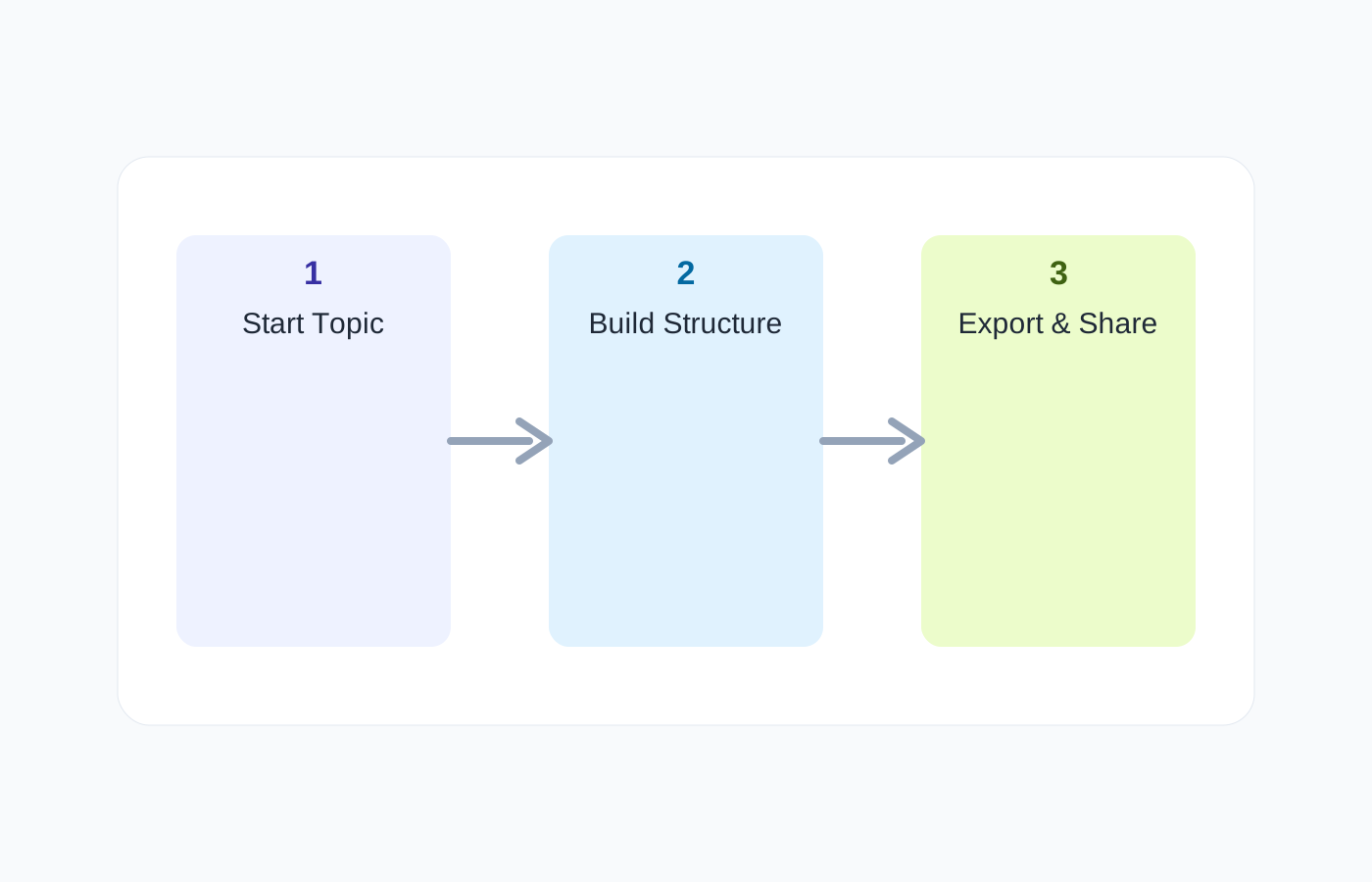
A practical workflow for outlining, refining, exporting, and sharing structured thinking.
01
Start from raw text, a template, or a blank map.
02
Use AI to generate, expand, and summarize, then fine-tune manually.
03
Save snapshots, share links, and export to KM, JSON, Markdown, SVG, or PNG.
| Capability | Points | Best for |
|---|---|---|
| Manual editing, templates, snapshots, import/export | 0 | Best for building, reorganizing, and exporting maps without consuming points. |
| AI text-to-map | ~19 / use | Best for turning pasted text or imported content into a structured map quickly. |
| AI branch expansion / summary / PRD | ~4 to 25 / use | Best for refining structure, summarizing the current map, and drafting deliverables from the map. |
You can manually edit maps, start from templates, generate maps from text, expand branches with AI, summarize the map, draft PRD content, save snapshots, share links, and export to multiple formats.
It works well for product planning, requirement breakdowns, meeting digestion, study notes, research structuring, project kickoffs, and any workflow where raw ideas need visible structure.
Manual editing and structure work remain lightweight, while AI actions consume points based on the operation. This makes MindPilot usable today while still supporting measurable AI usage and subscriptions.
Create or generate a map in seconds.